What do your property numbers actually look like?
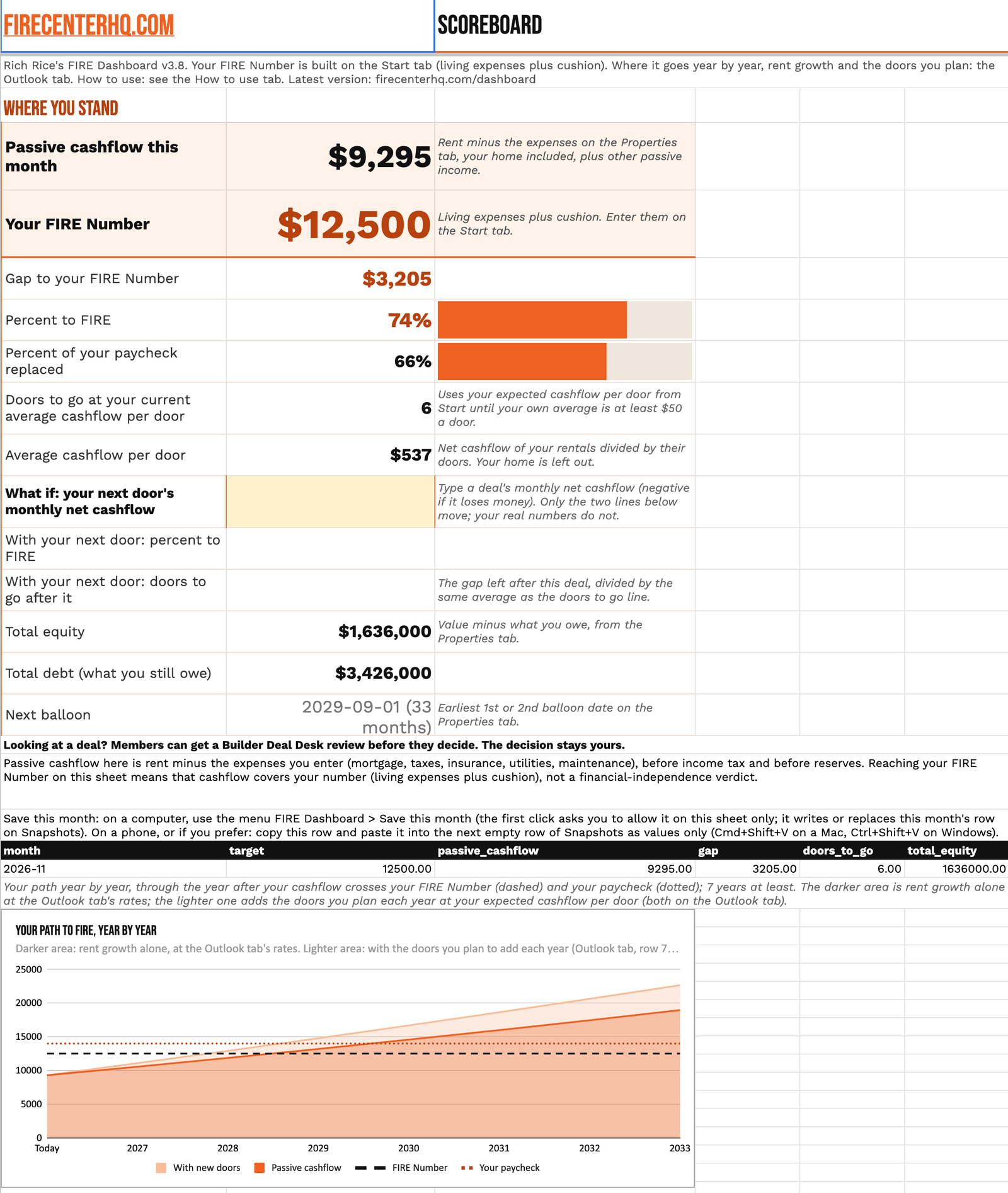
Track your properties, cashflow, equity and debt in the FIRE Dashboard, an investor portfolio spreadsheet built as a Google Sheet. Start with a template, then work in your own copy.
Access the TemplateIf you see You need access, sign in with a personal Gmail (work accounts often block copies), then click the link again.
An investor portfolio spreadsheet for the numbers that matter
What do you own? What do you owe? What does the cashflow look like? The FIRE Dashboard is built to track properties, cashflow, equity and debt. Keep those numbers together instead of trying to keep them in your head.
Make it yours before you change anything
Open the Google Sheet link from the lesson. Choose File > Make a copy, give it a name and pick a folder in your Google Drive. Work only in that copy. Don't request edit access to the master.
Keep flip profit and loss in the picture
The Completed Deals Tracker is a tab inside the FIRE Dashboard for tracking flip profit and loss. Keep completed deals in the same spreadsheet as your portfolio tracking.
Share your copy, not the master
Working with a bookkeeper, partner or VA? Share your copy with them. Before restructuring a tab, duplicate it so you have the original layout to refer back to.
Start with the current template
Make your working copy from the current master.
This is version 3.8. It is for FIRE Starter and FIRE Builder members, through the lesson in the FIRE App, and for FIRE Number class buyers. You need a free Google account to make your copy.
Access the TemplateIf you see You need access, sign in with a personal Gmail (work accounts often block copies), then click the link again.
Yes. It is a Google Sheet for tracking properties, cashflow, equity and debt.
Open the sheet from the lesson, choose File > Make a copy, name it and select a Drive folder. Enter your information only in your copy.
You're viewing the master rather than working in your own copy. Choose File > Make a copy instead of requesting edit access.
Yes. The Completed Deals Tracker is a tab for tracking flip profit and loss.
Get your portfolio numbers out of your head
Use your own copy of the FIRE Dashboard to track properties, cashflow, equity and debt together.
Explore FIRE Center Membership